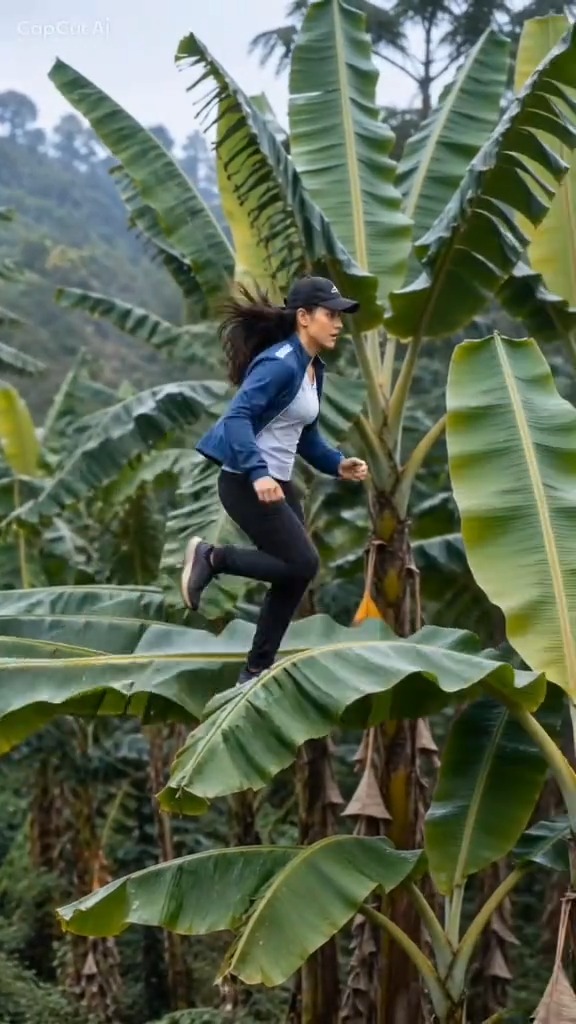
Both Banana Tree Run AI generators and CapCut templates can turn one photo into a short banana-leaf running video. The better option depends on whether you value browser access and visible generation choices or an app-based editing workflow.
Quick comparison
| Feature | Banana Leaf AI | CapCut template |
|---|---|---|
| Access | Web browser | CapCut app and an available template |
| Input | One photo | Usually one photo |
| Output | 14-second vertical MP4 | Depends on the selected template |
| Quality choice | 480p, 720p, and selected 1080p options | Depends on region, plan, and template |
| Sound | Silent; add licensed sound when posting | May include template audio |
| Price | Credits shown before generation | Varies by region and account |
| Failed generation | Used credits return automatically | Depends on CapCut policy |
| Editing | Download and edit elsewhere | Built-in editing tools |
Choose Banana Leaf AI when
Use the web generator when you do not want to locate a region-dependent app template, when you want to see resolution and credit cost before starting, or when you prefer to download a clean MP4 and finish the post elsewhere.
The current Banana Tree Run AI template uses a prepared banana-leaf path and guided camera timing. It is intentionally focused: you cannot design every shot or replace the location with a custom prompt.
Choose CapCut when
CapCut is useful when the exact trend template is available in your account and you want editing, captions, effects, and sound in the same app. Template availability, pricing, and output can differ by country, app version, and account.
Price, sound, and watermark details
Banana Leaf AI currently starts at 15 credits for a standard 480p generation. The video is silent, so use a sound you are allowed to publish. Banana Leaf AI does not add a branded editing overlay; the social app you publish through may add its own watermark or AI label.
With CapCut, inspect the export screen for the current price, audio rights, and watermark rules. These can change independently of the original trend.
Which one is better?
Choose based on the workflow, not only the trend name:
- Choose Banana Leaf AI for browser generation, visible quality choices, and automatic failed-generation credit returns.
- Choose CapCut for integrated editing when the desired template is available.
Whichever route you use, start with a strong input image. See the photo guide, or open the generator.
Read more

Banana Tree Run AI Not Working? Fix Failed or Poor Results
Troubleshoot photo review, failed generation, face drift, playback problems and lost guest order links.
Banana Tree Run AI Prompt: Example and Template Guide
Use a practical Banana Tree Run AI prompt and learn why a reference video and a clear portrait matter more than extra keywords.
Banana Tree Run Captions and Hashtags
Caption, title and hashtag ideas for publishing a Banana Tree Run video on TikTok, Reels and Shorts.