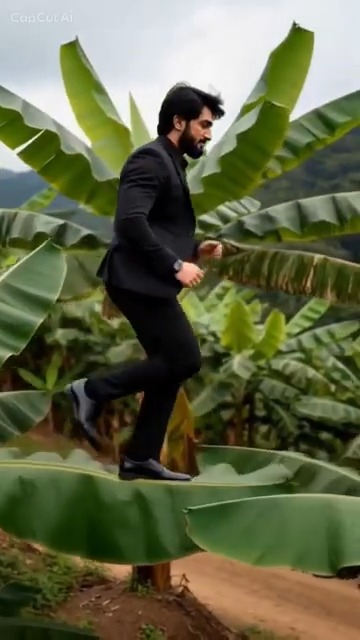
The source photo has a major effect on a Banana Tree Run AI video. The model must infer a moving person from one still image, so clarity matters more than an elaborate background.
Best-photo checklist
Choose an image with:
- one adult only;
- a clearly visible face;
- sharp focus and even lighting;
- no sunglasses, hand, or hat covering the eyes;
- enough of the body and clothing visible to identify the subject;
- a simple background with clear separation around the person.
A full-body or three-quarter photo usually supplies more information about clothing and proportions than a tight selfie. A front or slight three-quarter angle is a reliable starting point.
Photos that often cause problems
Avoid group photos, screenshots with text, strong beauty filters, heavy motion blur, extreme shadows, and tiny subjects in a wide image. Crossed arms or hidden legs can make fast motion harder to reconstruct.
AI video can still produce face drift, extra fingers, unusual feet, or changing clothing. A better photo reduces the risk but cannot guarantee a flawless result.
Prepare the image without over-editing
Crop enough empty space to make the person prominent, but do not cut through the head or important clothing. Keep natural skin texture and normal contrast. Export as JPG, PNG, or WebP rather than repeatedly taking screenshots.
Only use a photo of yourself or an adult you have permission to use. Do not upload minors or people who have not consented.
Choose the first quality setting
For a quick test, start with the lower-cost standard option. If the identity is suitable but fine detail is soft, consider a higher resolution or high-quality version. Resolution cannot repair a dark, blurred, or obstructed source photo.
Failed generations return their credits automatically, but a completed variation uses credits even when small AI details differ from what you expected.
When the photo is ready, make your Banana Tree Run AI video. For the complete workflow, read the step-by-step guide.
Read more
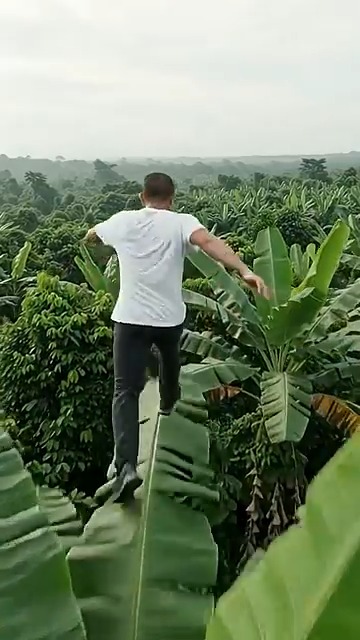
Banana Tree Run AI Not Working? Fix Failed or Poor Results
Troubleshoot photo review, failed generation, face drift, playback problems and lost guest order links.
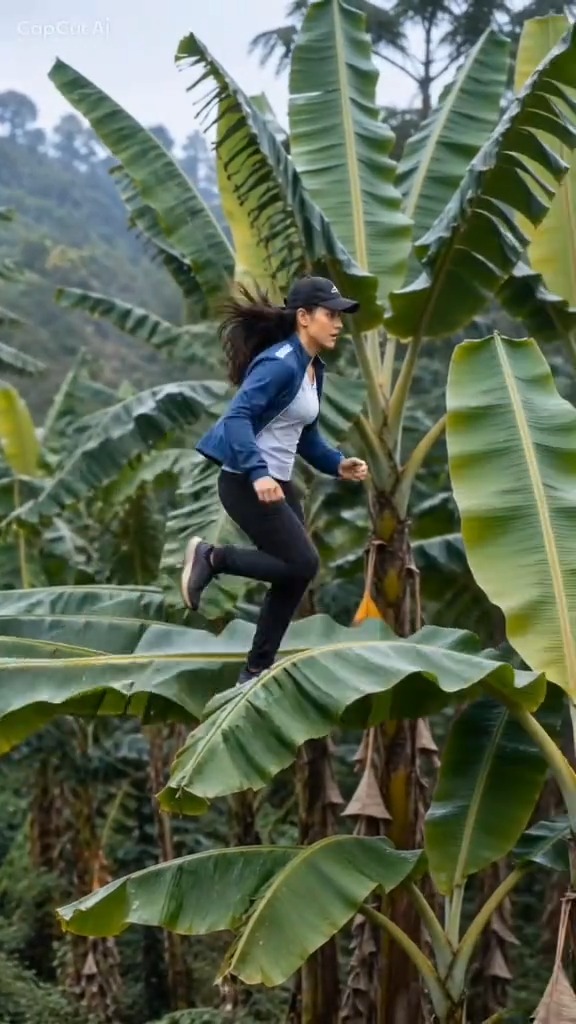
Banana Tree Run AI Prompt: Example and Template Guide
Use a practical Banana Tree Run AI prompt and learn why a reference video and a clear portrait matter more than extra keywords.
Banana Tree Run Captions and Hashtags
Caption, title and hashtag ideas for publishing a Banana Tree Run video on TikTok, Reels and Shorts.